 PropStudio
Step 1 — Fix exposure and brighten the room
Most listing photos fail on light. Windows blow out white while the room stays dark, or the whole frame is flat and dim. Lift the shadows so corners and floors read clearly, pull the highlights back so windows keep some detail, and nudge brightness and contrast until the space looks open and even. The goal is a room that looks like it does in person — bright, true and inviting — not an artificially glowing HDR look.
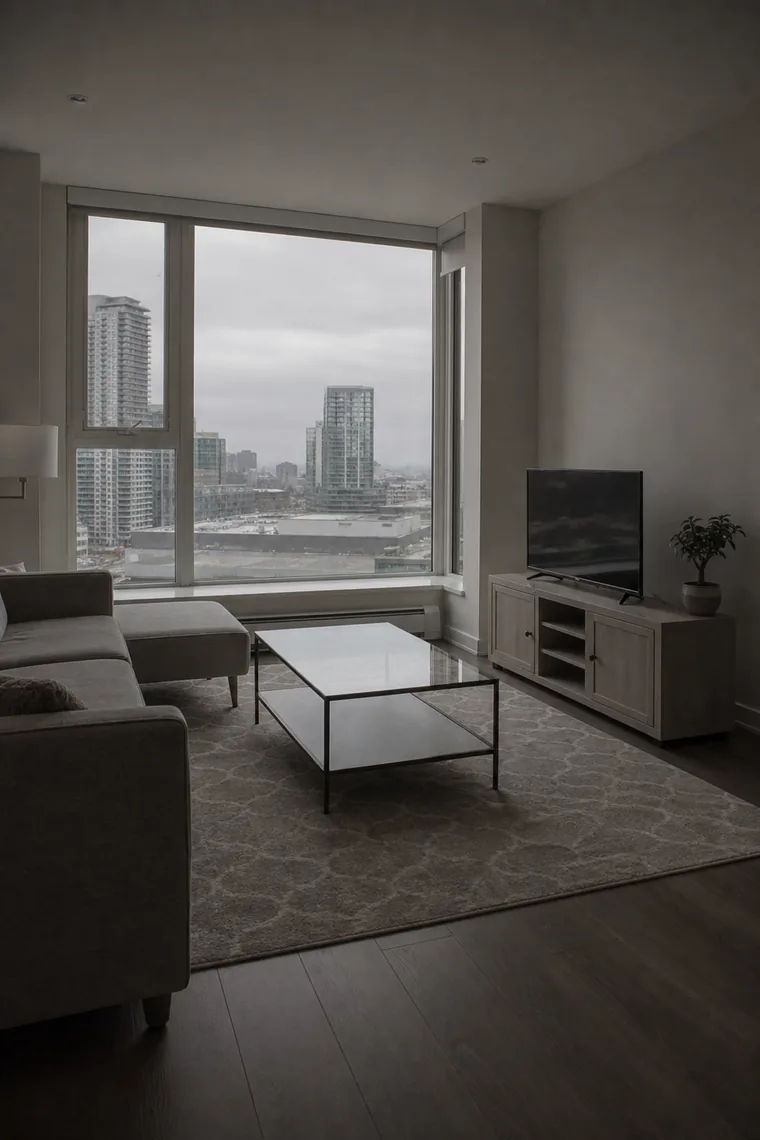
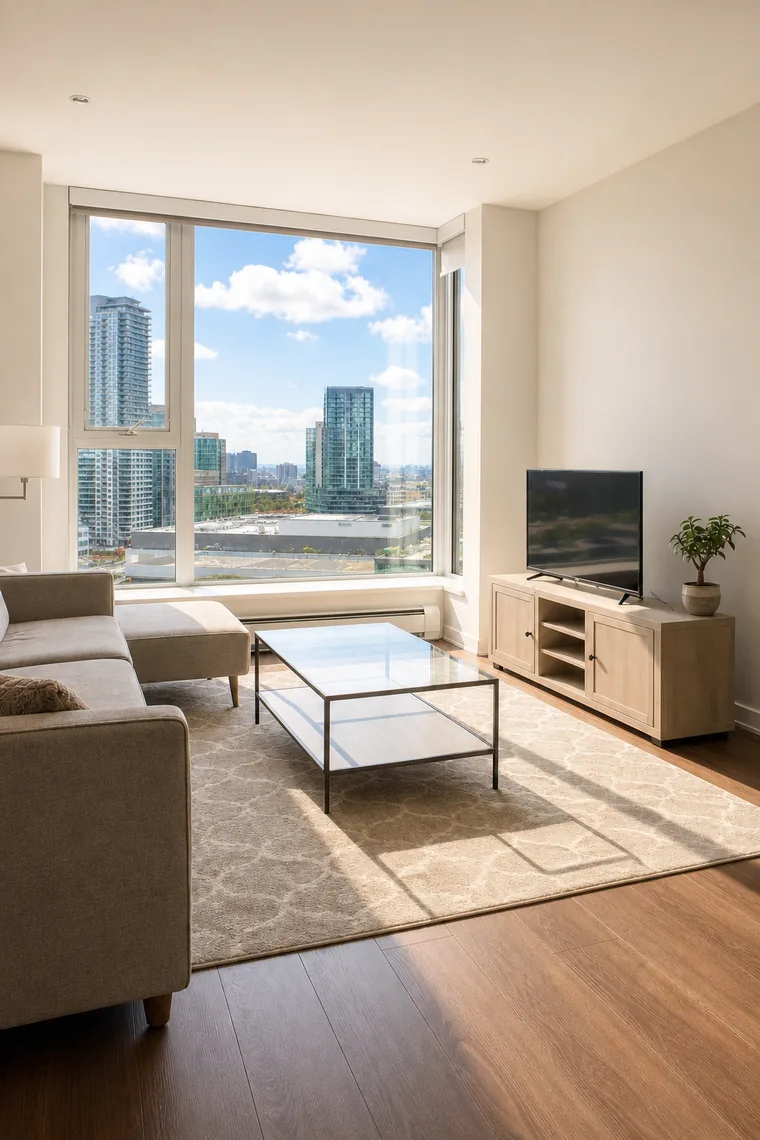 BEFORE AFTER
 Step 2 — Replace a grey sky and fix white balance
A flat white or grey sky makes an exterior look cold and dated; swapping it for a clean blue sky instantly lifts kerb appeal. While you are at it, correct the white balance: indoor bulbs push photos orange and shade pushes them blue. Neutralising the colour cast makes whites look white and wood and paint show their real tone, so the whole set looks consistent rather than a patchwork of colour temperatures.
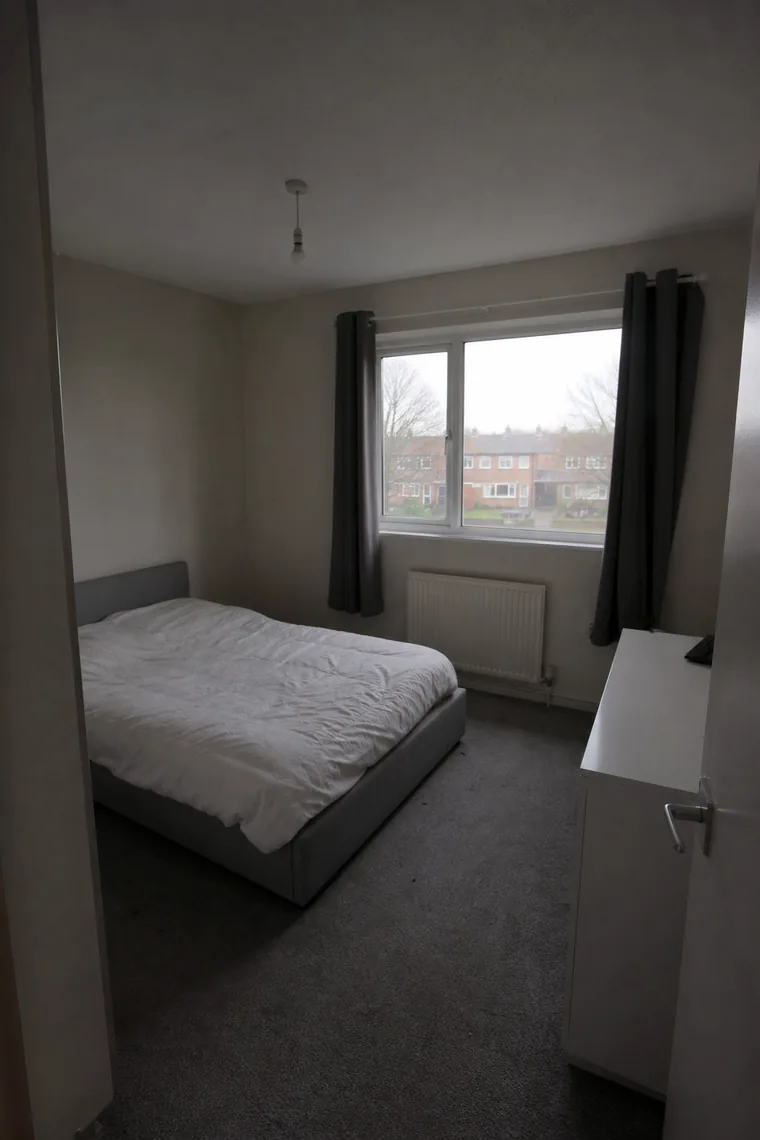
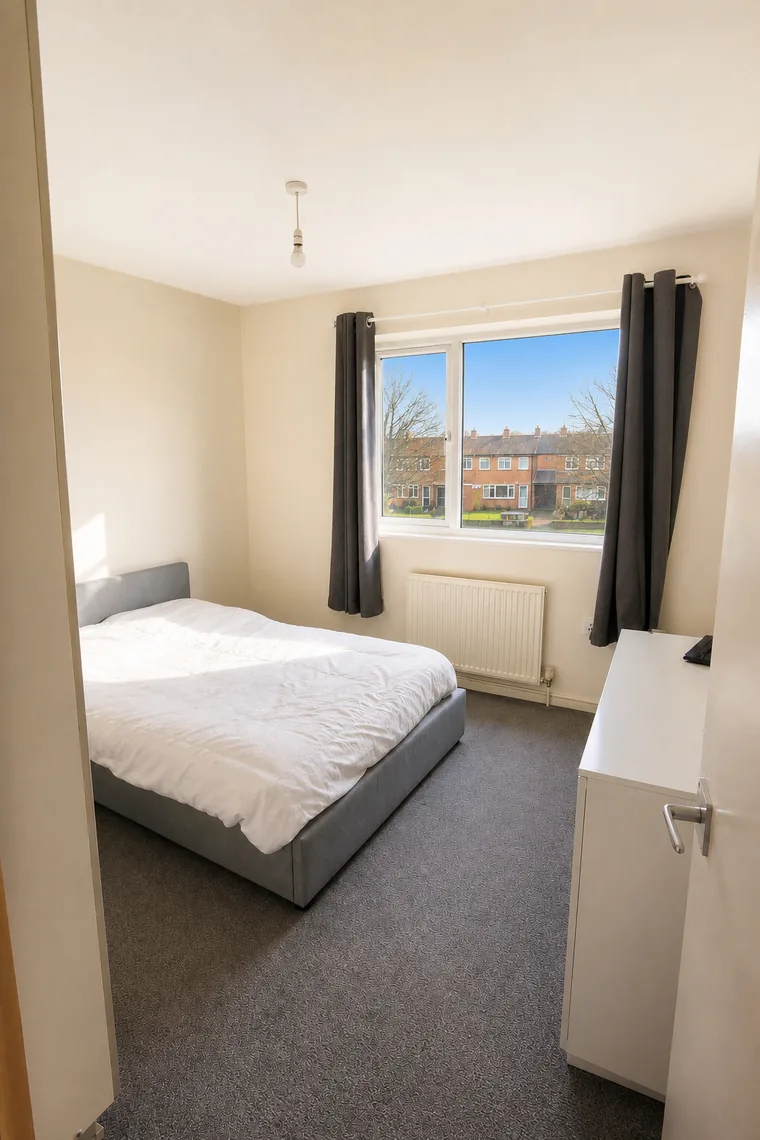 BEFORE AFTER
 Step 3 — Straighten, sharpen and finish
Phones tilt walls and bend vertical lines. Straighten the verticals so door frames and walls stand upright, level the horizon, and crop tight to the subject. Finish with a touch of sharpening and haze removal so textures — brick, tile, fabric — read crisply at thumbnail size on a portal. That last bit of clarity is often what makes a photo stop the scroll.
Do it in 2 minutes with PropStudio
Doing all of the above by hand, photo by photo, is slow. PropStudio applies exposure, white balance, sky and sharpening automatically and consistently across the whole listing, right on your phone — about two minutes for a full set, no desktop or editing skills. Pick your photos, let it enhance, publish.
- Auto exposure, colour, sky and sharpness on every photo
- A full listing done in about two minutes
- Works with ordinary phone photos
- Originals always kept — honest enhancement only